
How to Insert a Saved Elementor Template
Go to the page edit screen where you want to insert the Elementor template.
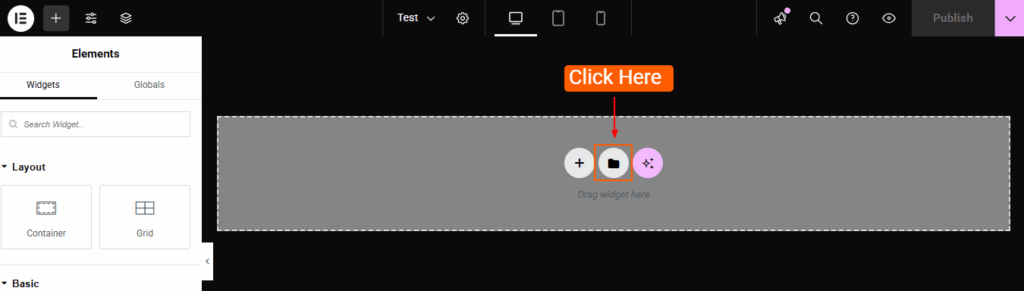
Click the Folder icon in the Elementor editor.
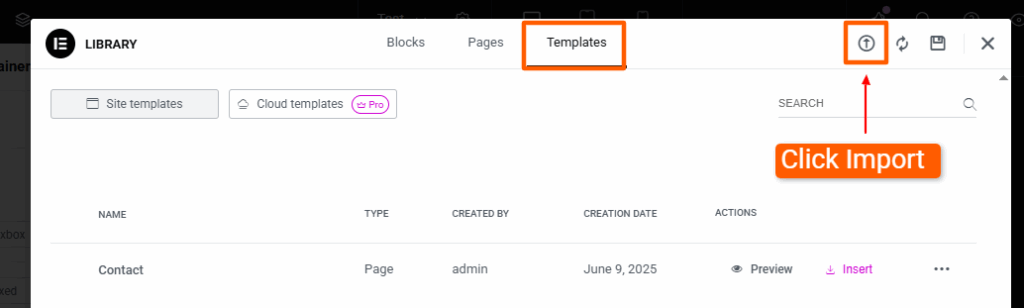
Go to the Templates tab and click the Import icon.
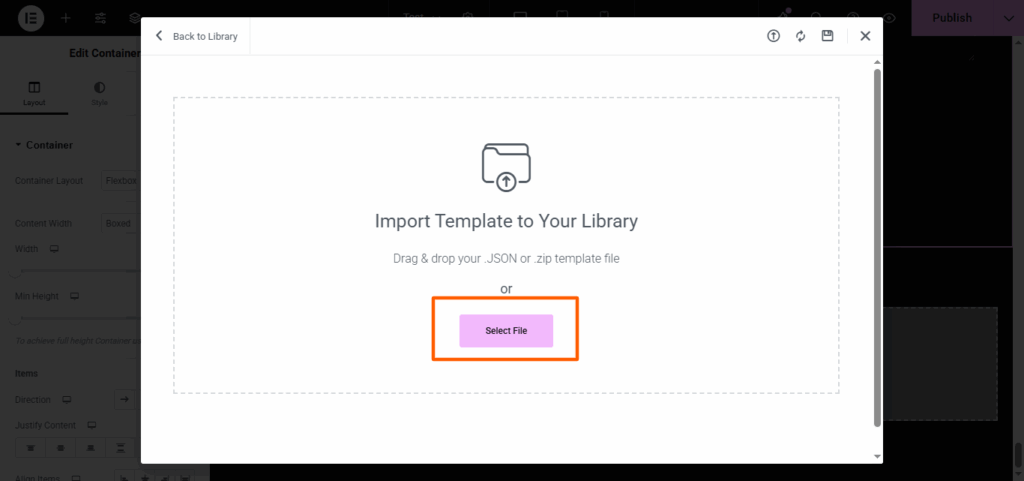
Select the JSON file to import.
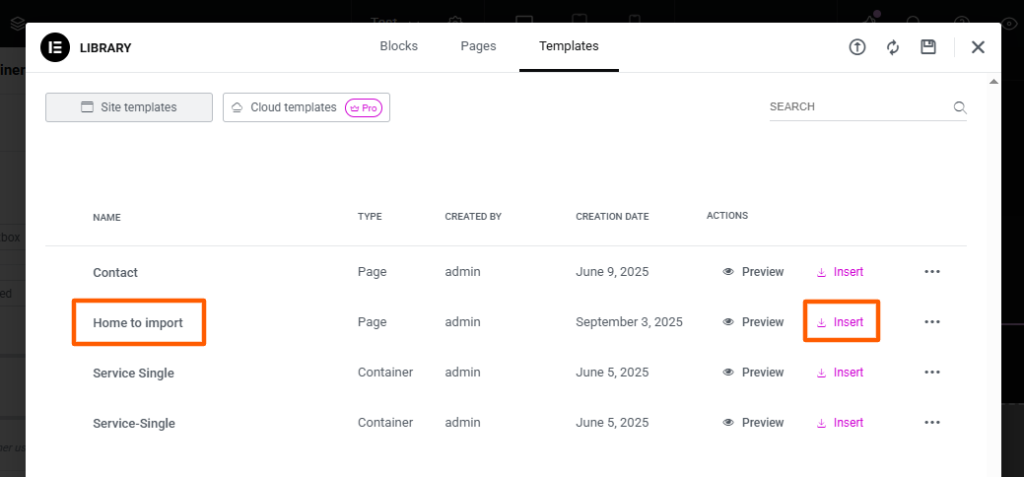
Once imported, the template will appear in the template library. Click Insert to add the template to the page.
Note:
During import, Elementor may display a popup related to SVG files. You can safely proceed with the import.