How to Edit a Page with Elementor?
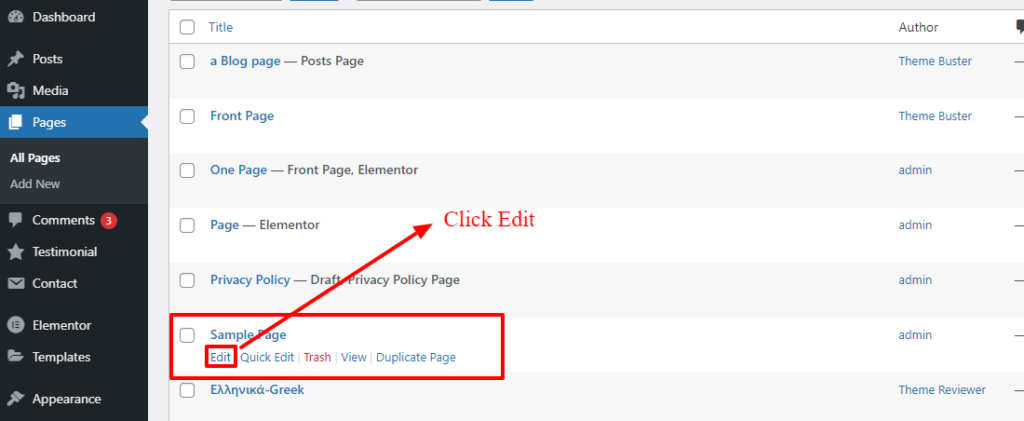
- Go to Pages → All Pages in the WordPress admin panel.
- Find the page you want to edit and click Edit. This will open the page edit screen.
- Click the Edit with Elementor button to open the page in the Elementor editor.
You can now edit the page using Elementor’s drag-and-drop interface.