
Automatic Theme Updates via Envato Market Plugin
Always take a backup before updating the theme.
Refer to “Important Notes Before Updating…” before update.
Setting up this plugin will make future theme updates quick and hassle-free. Once configured, you will not need to repeat the process for every update.
1. Install the Envato Market Plugin
Download and install the Envato Market WordPress Plugin on your website.

A token is not the same as a purchase code. Make sure you enter the API token generated as described below, not the purchase code.
2. Generate a Token
Go to the plugin settings page in your WordPress dashboard:
WordPress Admin Menu → Envato Market → Settings
Click the link provided on this page to generate a token.
Log in using the Envato account used to purchase the theme.
Give the token a name (for example: My Website).
Enable the following permissions:
- View and search Envato sites
- Download your purchased items
- List purchases you’ve made
3. Enter the Token
Copy the generated token and paste it into the token field on the Envato Market Settings page.
Click Save Changes.
The plugin will then display a list of your purchased themes and plugins from Envato Market.
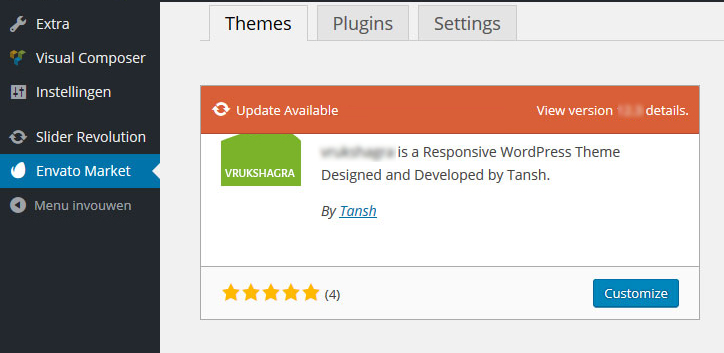
Once a valid token is added, the plugin will automatically check for updates to your purchased themes and plugins from ThemeForest or CodeCanyon.