
Import Demo Data
Click the Import Demo Data button in the Theme Setup wizard. This will take you to the demo import page.
Make sure all recommended plugins are installed before importing the demo data.
This step will import the demo content and automatically configure the header, footer, homepage, menus, and other basic settings.
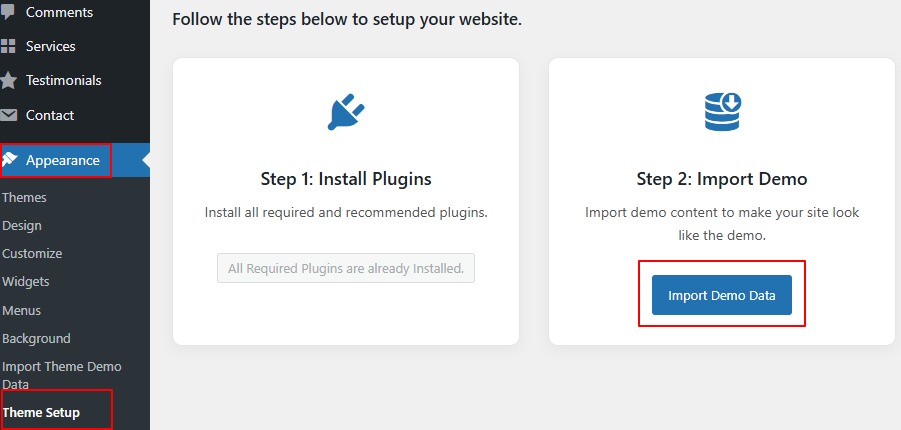
* Alternatively, you can access the demo import page from Appearance → Import Theme Demo Data in the WordPress admin menu.
- One Click Demo Import Not Working?This usually happens due to low PHP configuration limits. Check recommended PHP limits here…