
Theme Installation
Log in to your WordPress admin panel.
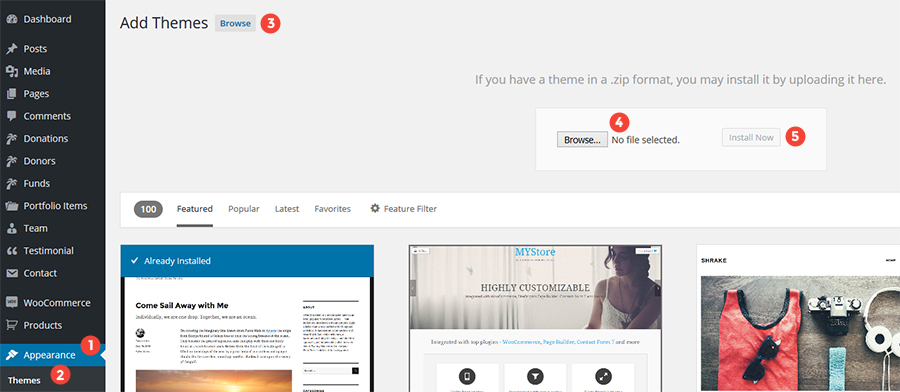
Go to Appearance → Themes.
Click Add New, then click Upload Theme.
Browse and select the installable theme file in .zip format.
Click Install Now.
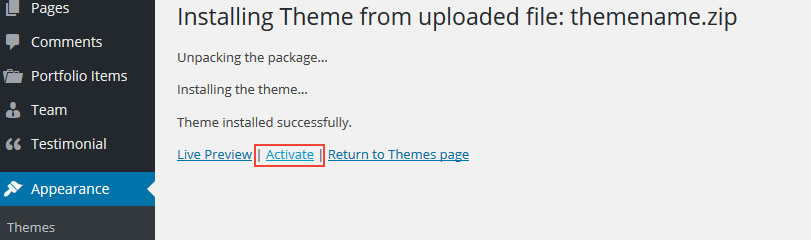
After the message “Theme installed successfully” appears, click Activate to activate the theme.
If you see any of the following errors during theme installation, refer to the solutions below.
- Broken Theme Or Stylesheet Missing ErrorDue to upload of – incorrect zip (not actual theme zip)
- Are You Sure You Want To Do This?Due to – Low configuration limits